Introducing Avrea CI: jobs start 2-3 seconds after you push
Avrea CI is our native, GitHub Actions compatible CI. It runs the workflow YAML you already have, and jobs start within 2-3 seconds of a git push.
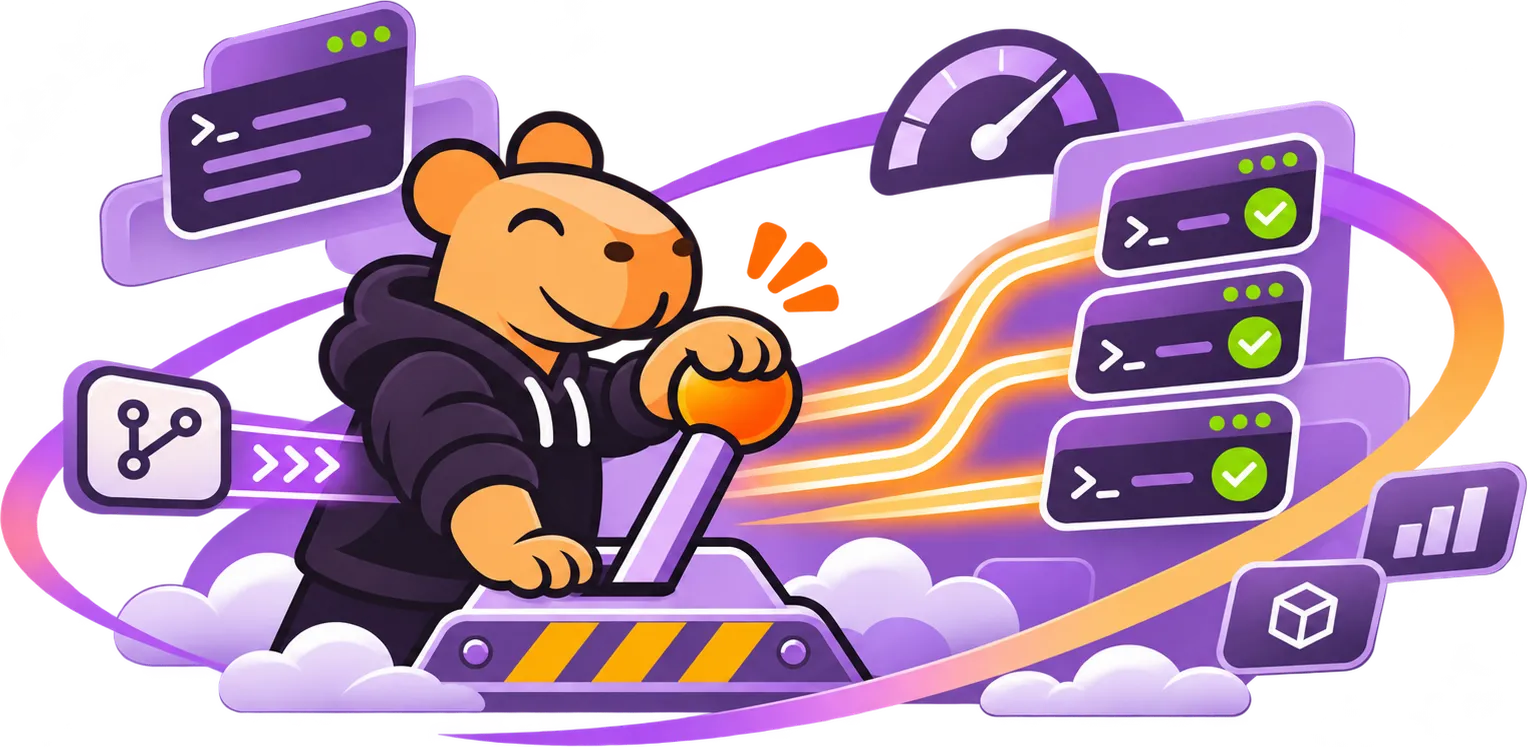
Avrea CI is our native CI. It runs the GitHub Actions workflows you already have, and your jobs start within 2-3 seconds of a git push.
Until now, Avrea has made GitHub Actions faster by running its jobs: you change runs-on to an Avrea label and your jobs run on our hardware, next to our caches. GitHub Actions still decides when each job starts, though, and that wait is outside our control.
Today we’re announcing Avrea CI, which removes it. Avrea CI is a native CI that reads GitHub Actions workflow YAML, schedules the jobs itself and runs them on Avrea runners. Your repository, pull requests and code review stay on GitHub.
Jobs start within 2-3 seconds of a push
On Avrea CI, a job is running its first step 2-3 seconds after your git push completes.
Two things make that possible. Avrea receives your push directly and starts the run itself, so nothing waits for another system to hand a job to a runner. And the runner is already there: each job gets its own isolated VM on the same dedicated hardware that runs our GitHub Actions runners.
Waiting for a job to start is time you pay for on every push, before any of your own code runs. It matters most where feedback loops are short: a lint job that takes 20 seconds, a pull request that gets ten pushes in an afternoon, or a coding agent that pushes, reads the result and pushes again.
The workflows you already have
Avrea CI uses GitHub Actions syntax, so there is no new configuration language to learn and no rewrite. Workflows live in .avrea/workflows/ instead of .github/workflows/:
# .avrea/workflows/test.yml
name: Tests

on:
  push:
    branches: [main]
  pull_request:
    branches: [main]

jobs:
  test:
    runs-on: avrea-ubuntu-24.04
    steps:
      - uses: actions/checkout@v7
      - run: ./scripts/test.sh
The parts of GitHub Actions that build and test workflows rely on are supported:
- JavaScript, composite and Docker actions, including the ones you already use from the marketplace
needs, conditions, and step and job outputs- Static and dynamic matrices
- Reusable workflows, including nested calls
- Concurrency groups
- Chained workflows with
workflow_run, such as a deploy that starts when a build succeeds - Job containers and service containers
- Linux on x86 and ARM, macOS and Windows runners
Runs are triggered by pushes, pull requests, manual dispatch and the completion of other Avrea CI workflows. Results are reported back to GitHub as checks, so they appear on your pull requests and can be required by branch protection. Logs, reruns and job metrics are in the Avrea console.
Avrea CI is included in runner pricing. Jobs are billed at the same rates as our GitHub Actions runners, with no separate fee.
Migrating from GitHub Actions
Avrea CI and GitHub Actions can run in the same repository at the same time, so you can move one workflow at a time and compare the results before you rely on them. Start with a build or test workflow.
1. Connect the repository. Install the Avrea GitHub App and turn on the repository’s Git mirror. Avrea CI runs workflows for every repository that has a mirror.
2. Copy the workflow.
mkdir -p .avrea/workflows
cp -i .github/workflows/test.yml .avrea/workflows/test.yml
3. Point it at Avrea runners. Change each runs-on to an Avrea label, including labels inside matrices. If you already use Avrea runners with GitHub Actions, there is nothing to change.
 jobs:
   test:
-    runs-on: ubuntu-latest
+    runs-on: avrea-ubuntu-24.04
If the workflow has paths filters, add the new file’s path to them.
4. Add secrets and variables. GitHub secrets are not copied with the YAML. Create the ones the workflow needs in Avrea.
5. Push and compare. Both copies now run on the same commit. Compare results, logs and timings in the Avrea console. Keep deploy and publish steps enabled in only one of the two systems while you compare.
6. Switch required checks. Once the Avrea CI run is green on the events you use, require its check in your branch protection rules and remove the old workflow file from .github/workflows/.
The migration guide covers each step in detail.
What to check first
Avrea CI supports a subset of GitHub Actions, and some workflows should stay where they are for now:
- Other triggers.
schedule,repository_dispatch,pull_request_targetandmerge_groupdo not start Avrea CI runs. - Chained workflows. A
workflow_runworkflow starts only after Avrea CI runs of the workflows it names, so move a chain to Avrea CI together. - GitHub credentials. Jobs get no writable
GITHUB_TOKENand no GitHub Actions OIDC identity. Checkout works without one, and a read-only token is available by opt-in. Workflows that publish releases, push commits, comment on pull requests or authenticate to a cloud provider through OIDC need their own credentials or should stay on GitHub Actions. - Protected environments. GitHub’s approvals and wait timers are not enforced by Avrea CI.
Nothing forces a full cutover. Many teams will run tests and builds on Avrea CI and leave a few release workflows on GitHub Actions. The compatibility guide has the complete list.
Get started
Copy one workflow to .avrea/workflows/, push, and watch how soon it starts. The Avrea CI docs have everything you need, and if you don’t have an account yet, you can sign up in a couple of minutes.