One sign-in for your whole organization: Avrea SAML SSO
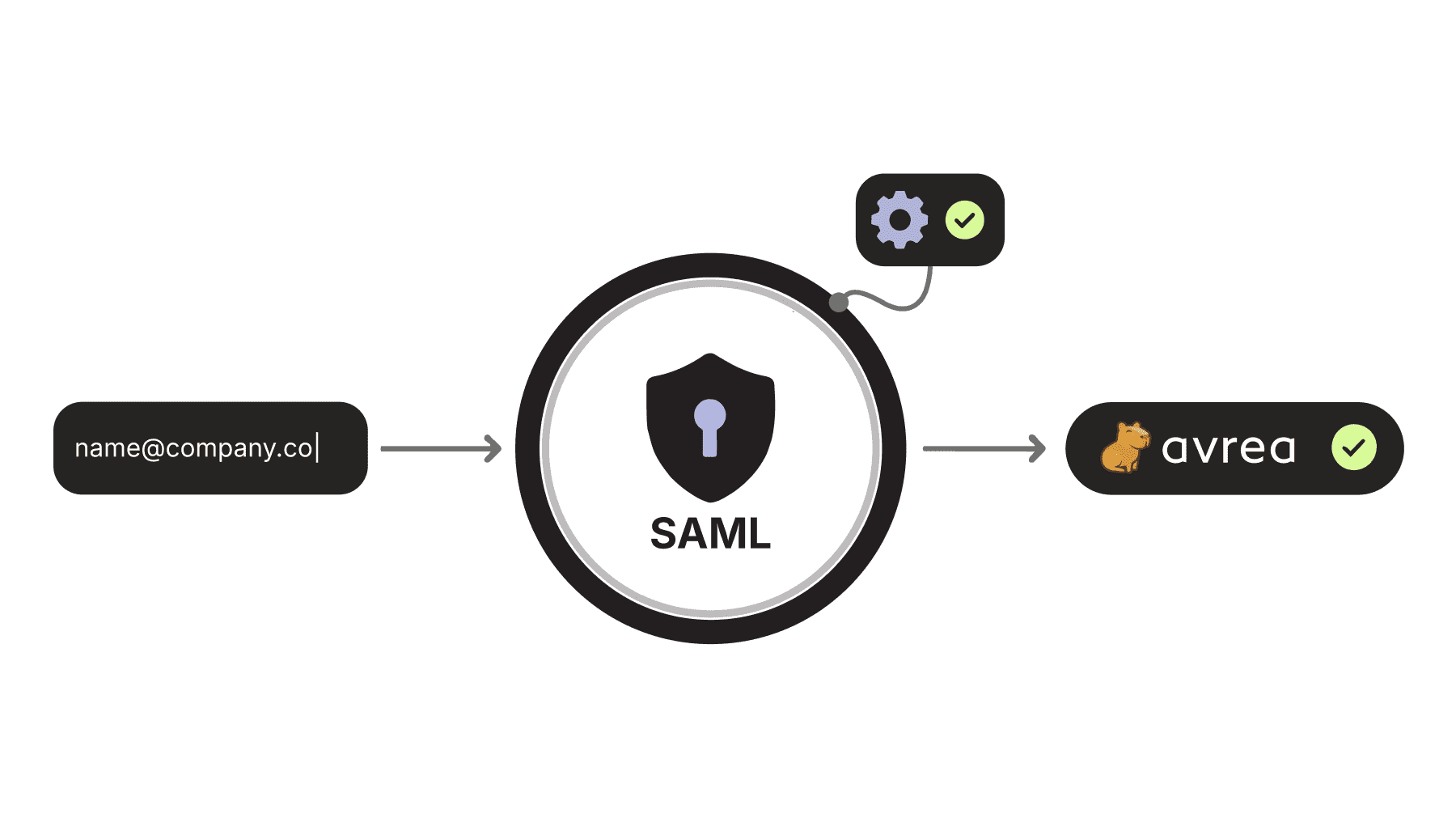
Your CI/CD platform sits at a sensitive intersection. It checks out your source code, holds deployment credentials, and produces the artifacts you ship to production. Access to it deserves the appropriate level of rigor. SAML SSO is available today with Avrea Enterprise, so your identity provider decides who gets in, under which policies, and for how long.

The problem: one more login is one more liability
Without SSO, every SaaS tool your team adopts becomes its own island of identity. Each island means:
- Onboarding friction. A new engineer files a ticket, waits for an invite, picks a personal sign-in method, and maybe enables MFA if they remember to.
- Offboarding risk. When someone leaves, IT deactivates their directory account, then hopes the checklist of "other tools" is complete. Any tool missed is standing access that nobody is watching.
- Policy drift. Your company mandates hardware-key MFA and conditional access from managed devices. A tool signed into with a personal GitHub or Google account inherits none of that.
- Audit pain. Every compliance cycle, someone reconstructs who has access to what, tool by tool, screenshot by screenshot.
For a CI/CD platform, these are actual issues. A person with a forgotten Avrea session can see build logs, job output, and organization settings. Access reviews for SOC 2, ISO 27001, or customer security questionnaires have to cover it. The fix is the same one enterprises apply everywhere else: put the tool behind the identity provider.
What Avrea SAML SSO gives you
Avrea connects to any SAML 2.0 identity provider that can export metadata and sign assertions: Okta, Microsoft Entra ID, Google Workspace, Keycloak, OneLogin, and the rest. The connection is per-organization and configured entirely from the Avrea console.
Concretely, you get:
Your sign-in, your policies. Members sign in to Avrea with the same company credentials they use everywhere else. Your IdP's MFA, conditional-access, device-trust, and session-lifetime policies apply automatically, because authentication happens at the IdP, not at Avrea. Avrea stores no passwords.
Automatic provisioning with least privilege. Enable just-in-time provisioning and a member's first successful SSO sign-in creates their Avrea membership with a default role you choose. The recommended default is the least-privileged User role; you promote individuals later as needed. New engineers get productive on day one without an invite queue, and nobody accumulates admin rights by accident.
Verified domains, enforced SSO. You prove control of your company domains with a DNS TXT record. Once a domain is verified and your connection is tested, you can flip on enforcement: members whose emails match your verified domains must use company SSO, and direct GitHub or Google sign-in is blocked for them. Enforcement is what turns SSO from a convenience into a control. Without it, SSO is just one more door next to the ones you did not close.
A safe rollout path. The console's test connection runs a real round-trip through your IdP and shows you the NameID, mapped email, and attributes it received, without creating a member or starting a session. You validate the attribute mapping before anyone depends on it, and you enable enforcement only after a full sign-in has succeeded. Both sign-in directions are supported: members can start at the Avrea console or, if you allow it, launch Avrea straight from the tile in your IdP portal. Single logout is supported when your IdP provides it.
SSO for identity, GitHub for code. Avrea keeps these concerns separate. SAML asserts who the user is; a linked GitHub account governs which repositories they can reach, checked live against GitHub's own permissions. An employee signs in under company policy and still gets repository access that exactly mirrors your source-platform permissions, with no third copy of your access model to maintain.
What this means for the enterprise
- One place to grant access, one place to revoke it. Deactivate a departing employee in your directory and their path into Avrea closes with it. No per-tool checklist, no orphaned accounts.
- Consistent security posture. The MFA and access policies your security team already enforces extend to your build infrastructure without any parallel configuration inside Avrea.
- Faster, cleaner audits. "Who can access CI?" becomes a query against your IdP rather than an investigation. That pairs with Avrea's own posture: ISO 27001:2022 certified and SOC 2 Type 2 attested, with audit events available for the organization itself.
- Lower onboarding cost. JIT provisioning means platform teams stop playing invite-desk, and new hires stop waiting.
Rolling it out takes an afternoon
The setup is deliberately short:
- Create a SAML app in your IdP and import Avrea's service-provider metadata from a single URL. Entity ID, ACS URL, certificate, and logout URL all come along; nothing is typed by hand.
- Paste your IdP metadata into the Avrea console and map the email and name attributes your IdP sends.
- Verify your company domain with a DNS TXT record.
- Run a test sign-in, roll out to the team, then enable enforcement.
The full walkthrough, including troubleshooting, lives in the SAML SSO documentation.
Get started
SAML SSO is included with Avrea Enterprise. If you are evaluating Avrea and SSO is on your requirements list, or you are an existing customer ready to bring CI/CD under your identity provider, see avrea.com/pricing or write to support@avrea.com and we will help you plan the rollout.
Your builds already run on infrastructure you trust. Now the keys to that infrastructure can live where the rest of your keys do.