StepSecurity Harden-Runner now supports Avrea runners
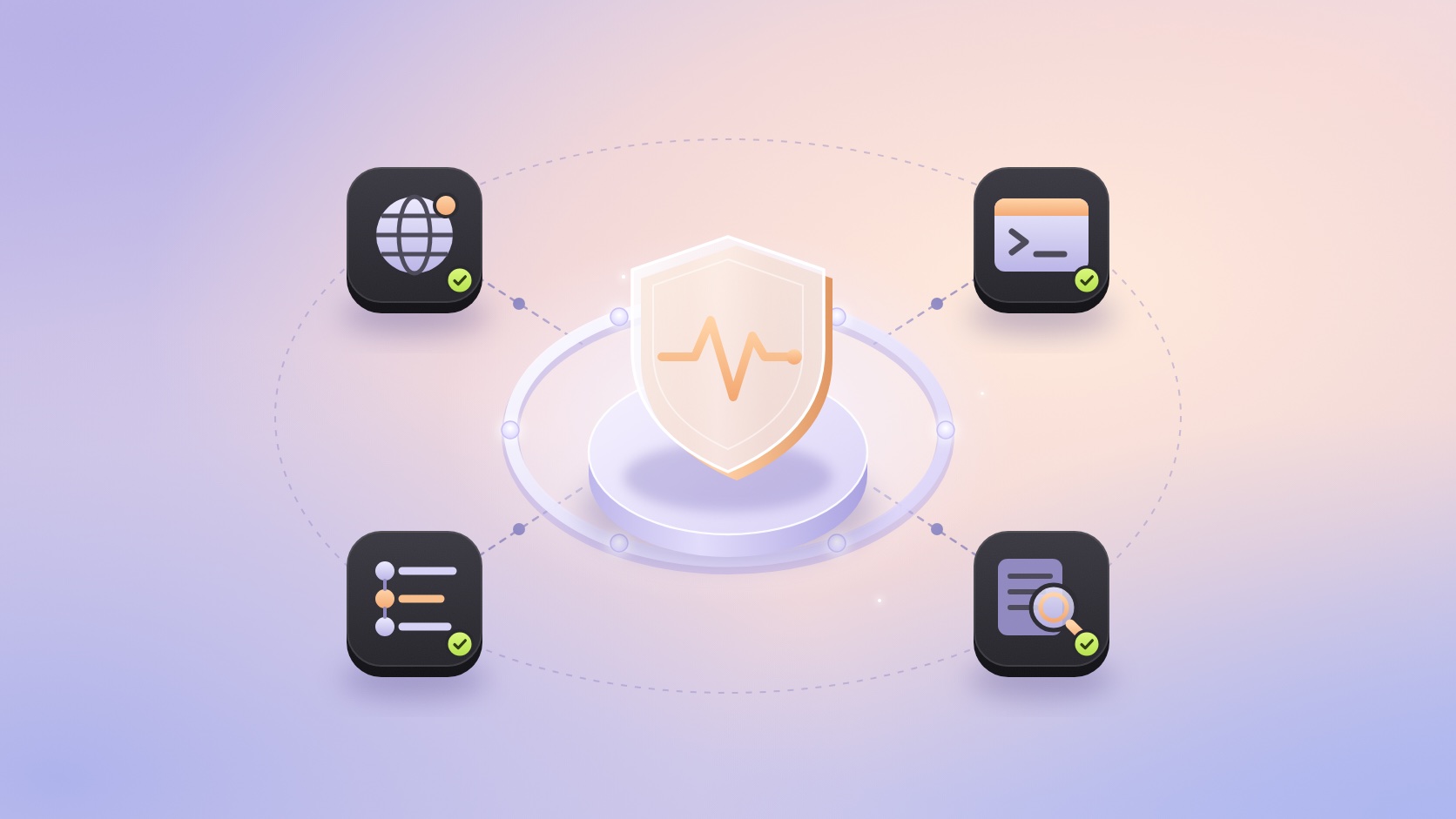
Security is a priority at Avrea. Every job runs in its own VM, which is destroyed when the job ends. Natively on Avrea, organizations can limit where their runners connect with the egress firewall, send outbound traffic from a static IP, sign in through SAML SSO and export the audit log to a bucket they own. Avrea is ISO 27001:2022 certified and SOC 2 Type 2 attested.

The egress firewall shows where each job connected, but not which step or process opened the connection. None of these controls watch the processes a job starts. For that, we're happy to announce that we have worked together with our friends at StepSecurity to make Harden-Runner available on Avrea.
Harden-Runner is a GitHub Action that installs StepSecurity's monitoring agent in the job's VM. The agent records network connections and process activity, which you can inspect by workflow step in the StepSecurity dashboard.
StepSecurity found the tj-actions/changed-files compromise (CVE-2025-30066) through Harden-Runner in March 2025. Since then Harden-Runner has flagged malicious network activity from the compromised axios npm package and, in August 2026, from the ChainDrop npm worm in open-source projects' CI, including CNCF's Backstage. StepSecurity says it secures more than 25 million workflow runs a week, including in open-source projects from Microsoft, Google and CISA. When a dependency or action is compromised, Harden-Runner's record shows what it did on the runner: where it connected and what it ran.
Avrea runner VMs boot our own minimal Linux kernel, built for fast startup. We enabled what the agent needs to run on it. The StepSecurity team added Avrea support to Harden-Runner in v2.22.3, released on October 27. It recognizes Avrea's Linux and macOS runners on its own, so there's nothing to turn on in Avrea and the action needs no Avrea-specific settings.
Enable Harden-Runner on Avrea
- Get a StepSecurity Enterprise plan or trial. StepSecurity's free tier covers public repositories on GitHub-hosted runners, and it counts Avrea runners as self-hosted. Installing the StepSecurity GitHub App on your organization starts a 14-day trial; see StepSecurity's Enterprise quickstart.
- Add Harden-Runner as the first step of each Linux or macOS job that runs on Avrea, using v2.22.3 or later:
With egress-policy: audit, Harden-Runner records outbound traffic without enforcing an allowlist. StepSecurity's Global Block List still blocks known malicious destinations.
- Run the workflow and open the run in the StepSecurity dashboard; the Harden-Runner step's log links straight to it. Check that the job shows network and process events. Connections made by Avrea's own runner services are listed separately under Infrastructure Events, apart from your steps. The Harden-Runner step passes even when no agent was installed, for example in an organization without Enterprise, so a green step alone doesn't confirm that monitoring is on.
Since v2.22.3, StepSecurity Harden-Runner is available on Avrea's x86_64 and ARM64 Linux runners and on macOS. It doesn't support Windows runners from third-party providers, Avrea included.
Thanks to the StepSecurity team for turning this around so quickly.